A website is easy to describe and hard to build well. Behind a finished site sit decisions about audience, content, structure, design, technology, testing and long-term upkeep. When those decisions are made late or informally, the usual results are delays, rework and a site that looks fine but does not support the business.
A structured development process reduces that risk. This guide walks through the five stages of website development, explains what happens and which decisions matter at each one, and shows how the process changes by website type. It also covers common mistakes and how to prepare for a project.
What Is the Website Development Process?
The website development process is the sequence of work that takes a website from an idea to a live, maintained product. It covers understanding what the site must achieve, designing how it will work, building it, launching it and improving it afterward.
We describe it in five stages:
- Discovery: establish goals, users, requirements and scope.
- Solution Design: plan structure, experience, design and technology.
- Development: build and configure the website.
- Deployment: test, prepare and launch.
- Continuous Improvement: monitor, maintain and refine over time.
The stages are a framework, not a rigid timetable. Some work overlaps, and findings in a later stage sometimes send you back to adjust an earlier one. How much effort each stage needs depends on the type and complexity of the website.
Stage 1: Discovery
Discovery is where you decide what the website is for. Skipping it, or treating it as a formality, is a common reason projects drift.
What happens
- Business goals. Define what the site must do: generate enquiries, sell products, support customers, build credibility or share information.
- Audience and user needs. Identify who will use the site, what they are trying to do and what might stop them.
- Requirements, functionality and scope. List the pages, features and integrations needed, and separate essentials from nice-to-haves.
- Existing site and competitor review, where relevant. Look at what works and what does not on your current site, and at how others in your market present themselves.
- Content requirements. Establish what content exists, what must be written or produced, and who is responsible for it.
- Constraints and success criteria. Note budget, timeline, brand rules, technical limits and the measures that will show whether the site is succeeding.
Decisions to make: the main purpose of the site, the primary audience, what is in scope for the first release, and how success will be judged.
What it achieves: a shared, written understanding of the project. It gives every later decision something to be tested against.
Stage 2: Solution Design
Solution Design turns requirements into a plan for how the website will be organized, how it will look and what it will be built on.
What happens
- Sitemap and information architecture. Decide which pages exist and how they are grouped and labeled, so visitors can find things without effort.
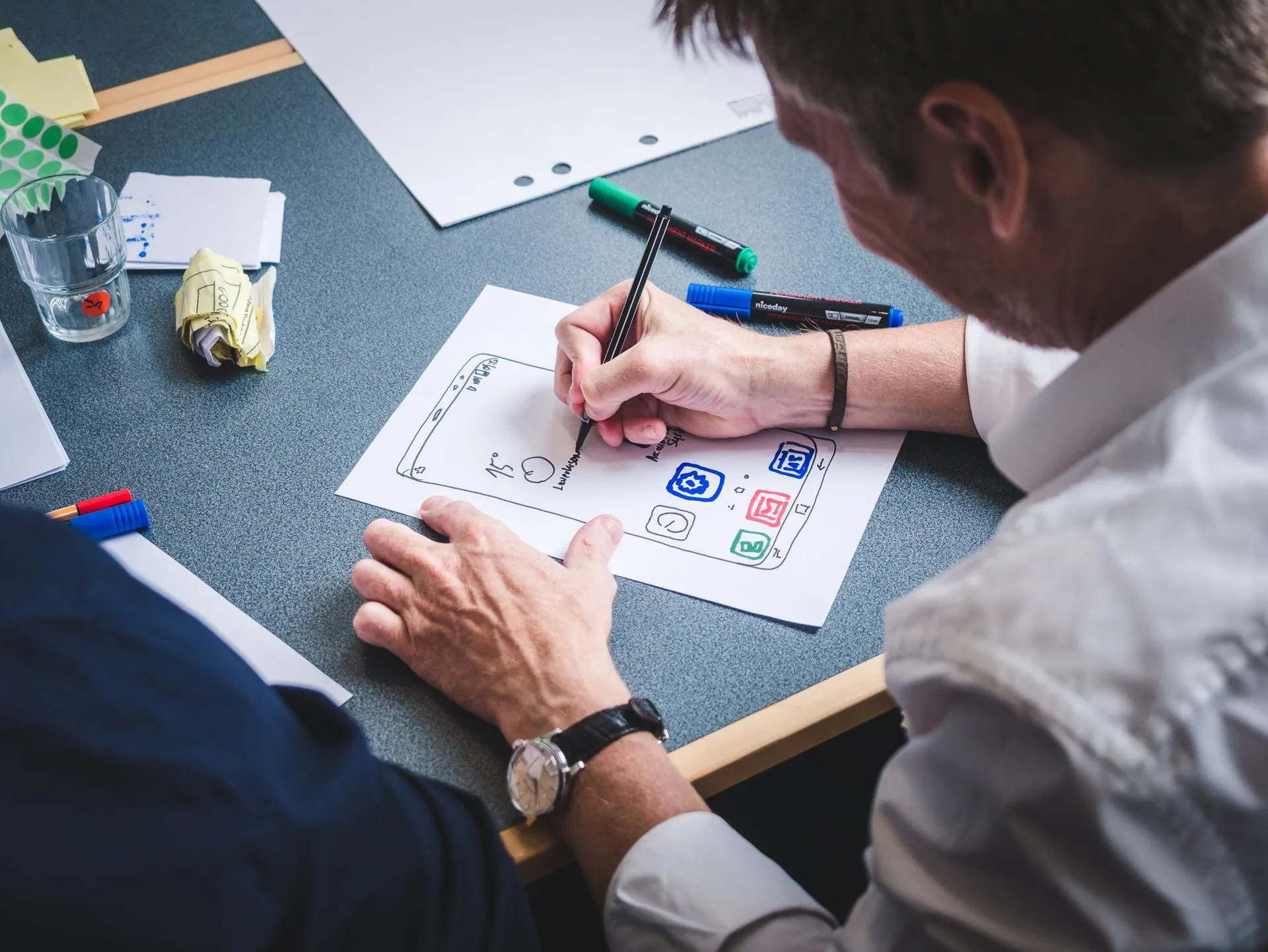
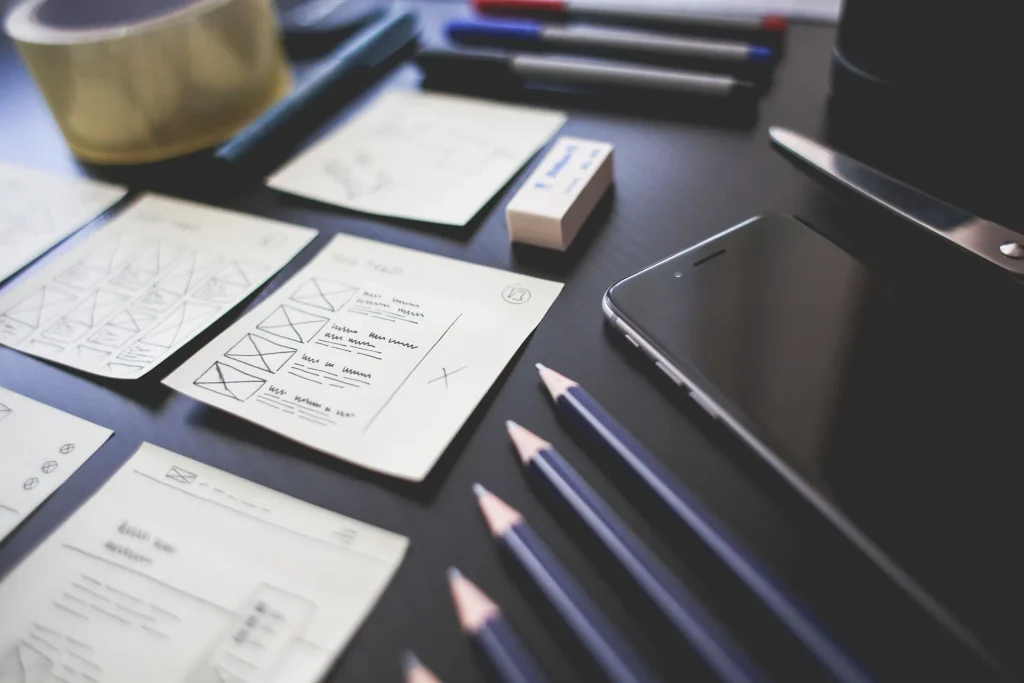
- User journeys and wireframes. Map the paths users take, such as from a landing page to an enquiry form, and sketch page layouts without visual styling to settle structure first.
- UX and UI design. Develop the visual design, including typography, color, imagery and components, to match the brand and support usability.
- Responsive design. Plan how layouts adapt across phones, tablets and desktops rather than treating mobile as an afterthought.
- Content structure and calls to action. Decide how content is organized on each page and where visitors are asked to take action.
- Technical planning. Choose the platform and approach: a content management system, a custom build or a combination, along with hosting, integrations and data needs. For many businesses, CMS solutions let non-technical staff manage content after launch.
Decisions to make: the page structure, the design direction, whether a CMS is needed and which one, and what third-party services the site will rely on.
What it achieves: an agreed blueprint. Changing a wireframe is far cheaper than changing finished code, so this is the stage to resolve disagreements.
Stage 3: Development
Development is where the design and plan are built. What this involves depends heavily on the website. A brochure site on a CMS differs from a store with payments and inventory.
What happens
- Front-end and back-end implementation, where applicable. The front end is what visitors see and interact with. The back end covers server-side logic, data and administration. Simple sites may need little custom back-end work.
- CMS configuration and content integration. Set up templates, content types, user roles and editing workflows, then load content.
- Functionality and integrations. Build or connect forms, search, booking tools, payment gateways, customer relationship management (CRM) systems, email platforms and other services the site needs.
- Responsive implementation and accessibility. Build layouts that work across screen sizes, and follow recognized accessibility guidance such as the Web Content Accessibility Guidelines (WCAG) so more people can use the site, including those using assistive technology.
- Code quality, security and maintainability. Write clean, documented code, handle user input and authentication carefully, and keep dependencies manageable so the site can be updated safely later.
Decisions to make: how to handle trade-offs between features, budget and timeline, and when to review work in progress so problems surface early.
What it achieves: a working website that matches the agreed design and requirements, built in a way that can be maintained.
Stage 4: Deployment
Deployment covers testing, preparation and launch. It is more than switching a site on.
What happens
- Functional and cross-device testing. Check that every feature, form, link and workflow works on real devices, not only in a desktop browser.
- Browser compatibility and usability checks. Confirm the site behaves consistently across the browsers your audience uses, and that tasks are easy to complete.
- Performance, security and technical SEO checks. Review load times, image handling and caching, confirm secure connections (HTTPS) and access controls, and check titles, headings, metadata, canonical tags, XML sitemaps and indexing settings. Make sure any block on search engines used during staging has been removed.
- Forms, analytics, redirects and tracking verification, where applicable. Test that enquiries arrive in the right place, that analytics and conversion tracking record events correctly, and that old URLs redirect properly if the site replaces an existing one.
- Hosting, domain configuration and launch. Set up hosting, DNS and SSL certificates, take backups, plan the launch window and prepare a way to roll back if something goes wrong.
- Post-launch validation. After going live, re-check key pages, forms, tracking and search engine access on the live site, since behavior can differ from staging.
Not every website needs the same tools or steps. A small corporate site and a large online store will have different testing and launch requirements.
Decisions to make: who signs off, what counts as ready to launch, and how the transition from any existing site will be handled.
What it achieves: a launch that is controlled and verified rather than a leap of faith.
Stage 5: Continuous Improvement
A launch is not necessarily the end of the development lifecycle. Websites operate in changing conditions: browsers update, software needs patches, content ages and business priorities shift.
What happens
- Monitoring performance and user behavior. Use analytics, search performance data and uptime monitoring to see how the site is used and where it falls short.
- Reviewing technical issues and feedback. Track errors, broken links and customer or staff comments, and fix what matters.
- Maintaining software and dependencies. Keep the CMS, plugins and libraries updated, maintain backups and review security regularly.
- Improving speed, usability, accessibility and conversions. Use evidence to refine pages. Ongoing website optimization work typically covers load speed, page experience, search visibility and conversion paths.
- Updating content and functionality. Add pages, refresh information and extend features as the business changes.
Decisions to make: who owns ongoing maintenance, how often improvements are reviewed, and what level of support the site needs.
What it achieves: a website that stays secure, current and useful, rather than gradually falling behind.
How the Website Development Process Varies by Website Type
The five stages apply across projects, but the emphasis changes.
| Website type | Where the process shifts |
| Corporate websites | More attention to credibility, brand presentation, clear company and service information, and content structure for varied audiences. |
| Marketing websites | Greater focus on conversion paths, landing page structure, messaging, tracking and the ability to iterate quickly. |
| E-commerce websites | Heavier requirements for catalogs, payments, inventory, shipping and tax rules, account handling and security, with extensive testing of checkout. |
| CMS-based websites | More planning around content types, editing workflows, user roles and training, so teams can manage the site themselves. |
If you are planning a corporate website, the early stages usually concentrate on content and structure. A marketing website tends to put more weight on messaging and measurement, and an e-commerce website adds transaction, catalog and security requirements at every stage. Many projects combine these, such as a corporate site with a CMS and a small online shop.
Common Mistakes to Avoid During Website Development
- Starting design before defining goals. Without clear objectives, design choices become matters of taste.
- Treating content as a late task. Delayed or missing content is one of the most common causes of schedule slips.
- Letting scope grow unchecked. New requests are normal, but each should be weighed against time and budget.
- Designing only for desktop. Many visitors arrive on phones, so responsive behavior needs planning from the start.
- Choosing a platform on habit or price alone. The platform should fit your content, team and functionality needs.
- Leaving accessibility and security until the end. Both are harder and costlier to add late.
- Skipping real-world testing. Checking on one browser or one device misses problems your visitors will find.
- Forgetting redirects and tracking at launch. This can cost existing search visibility and leave you without data.
- Having no plan after launch. Without ownership of updates and improvements, a site becomes outdated and exposed.
How to Prepare for a Website Development Project
Preparation makes every stage move faster. Before you start, gather:
- Your goals and success measures. What should the site achieve, and how will you know?
- Audience information. Who your visitors are and what they need.
- Existing assets. Brand guidelines, logos, imagery, current site content and analytics access.
- Examples. Sites you like and dislike, with notes on why.
- A content plan. What exists, what must be created and who will provide it.
- Functional requirements. Forms, integrations, payment needs, languages and any systems the site must connect to.
- Constraints. Budget range, target launch date, legal or compliance requirements.
- Decision-makers. Who approves designs and content, so feedback is consolidated rather than scattered.
- An ownership plan. Who will manage content and technical upkeep after launch.
You do not need every answer in advance. Part of the early work is finding gaps, but arriving with clear goals and a nominated decision-maker saves considerable time.
Conclusion
A good website comes from a clear sequence of decisions: understanding the business and its users, planning structure and design, building carefully, launching with proper checks and improving over time. Following the five stages does not remove all complexity, but it makes the complexity manageable and visible.
If you are planning a new site or rebuilding an existing one, our website development services cover each of these stages, from discovery through ongoing improvement. A short conversation about your goals and requirements is a practical place to begin.