

Many businesses reach a point where a website that presents information is no longer enough. They need software that lets customers place requests and manage accounts, lets employees work through shared processes, and lets partners exchange information without email chains and spreadsheets.
A web application is one of the most common ways to meet those needs. This guide explains what web applications are, how they differ from websites, the main types businesses build, and how to decide whether a custom application is the right choice.
What Is a Web Application?
A web application is software that runs in a web browser and lets users perform tasks, work with data and follow business processes. Users typically sign in, see information relevant to their role, and take actions such as submitting a request, approving an order, booking a service or updating a record.
Because it is accessed through a browser, a web application generally does not need to be installed on each device. It can be used from a desktop, tablet or phone, as long as the interface is designed for that. Behind the screen sits application logic and a database that store and process the information users work with.
Web Application vs. Website: What’s the Difference?
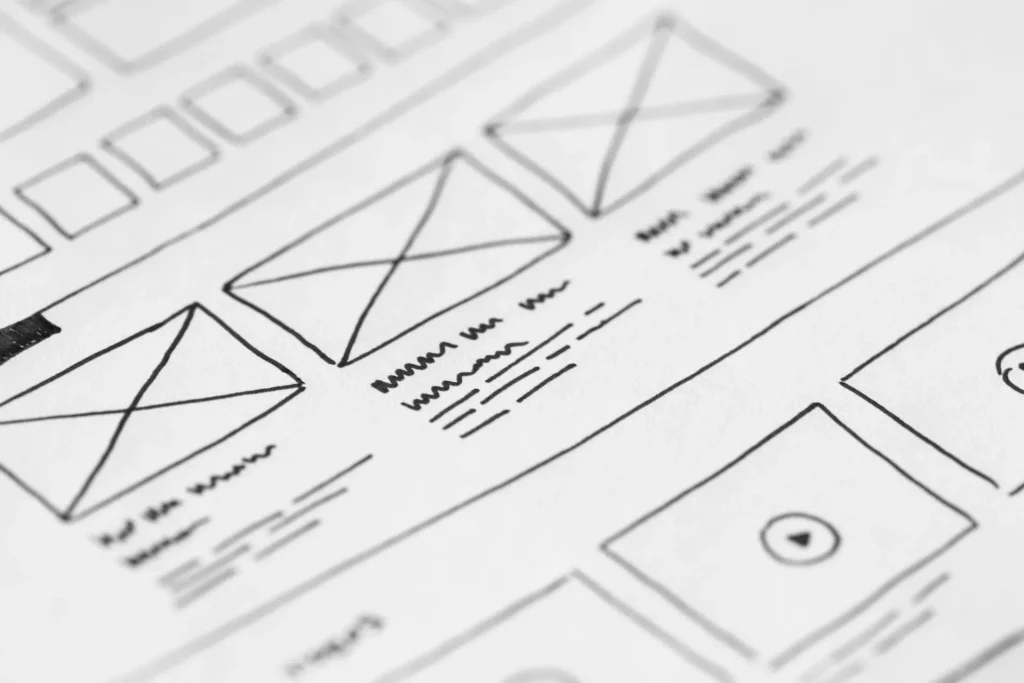
The distinction comes down to what users do. On a website, people mostly read and browse. In a web application, they actively complete tasks.
| Website | Web Application | |
| Main purpose | Present information and content | Let users perform tasks and manage data |
| User activity | Mostly reading, browsing, contacting | Signing in, entering data, processing work |
| Behind the scenes | Pages and content, often managed through a CMS | Business logic, user roles, databases and workflows |
| Examples | Corporate website, marketing website, blog | Customer portal, booking platform, SaaS product, internal business tool |
The line is not always sharp. An online store, for example, presents products like a website but also handles accounts, payments and orders like an application. A useful test is to ask whether users need to sign in and do something that changes data. If so, you are dealing with an application.
Why Businesses Use Web Applications
When designed around real requirements, web applications can help businesses in several ways:
- Centralized processes. Requests, approvals and records live in one system instead of being spread across inboxes and spreadsheets.
- Accessibility. Authorized users can reach the system from a browser, wherever they work.
- Operational efficiency. Routine steps such as data entry, routing and notifications can be handled by the system, which may reduce manual work.
- Customer self-service. Customers can check status, download documents or make changes without contacting staff.
- Real-time information. Teams see current data rather than waiting for reports to be compiled.
- Scalability. A well-architected application can serve more users and handle more transactions as the business grows.
- Integration. Applications can exchange data with accounting, CRM, payment and other systems.
- Collaboration and consistency. Shared workflows help teams follow the same process every time.
These benefits depend on the quality of the design, the clarity of the requirements and the care taken in maintaining the system. A web application does not automatically make a business more efficient, cheaper to run or more secure.
Types of Web Applications for Businesses
Business web applications fall into several broad categories. Many real systems combine more than one.
Business Application Development
These are applications built around a company’s internal processes: managing orders, tracking inventory, handling approvals, scheduling work or keeping operational records. They are typically used by employees and managers, and they are shaped by how the organization actually works. Companies often need them when spreadsheets and generic tools can no longer keep pace with their processes. This is the area of business application development.
Customer and User Portals
A portal gives customers, members or partners a secure area where they can view their information and take action: track orders, review invoices, submit support requests, access documents or manage their accounts. Businesses typically need one when staff spend significant time answering routine status or account questions. Planning customer and user portals involves careful thought about identity, permissions and which systems supply the data.
SaaS and Subscription Platforms
A software-as-a-service product delivers an application to many customers, usually through subscriptions. It must handle multiple customer accounts, billing, user roles and ongoing updates. Companies build SaaS and subscription platforms when they want to offer a product rather than a one-time project, or when they want to turn an internal tool into a service for others.
E-Commerce and Marketplace Applications
These applications support selling online, including catalogs, carts, payments, orders and fulfillment. A marketplace goes further by connecting multiple sellers with buyers, adding vendor management, commissions and dispute handling. Businesses consider custom e-commerce and marketplace applications when standard store platforms cannot support their pricing rules, workflows or multi-vendor model.
Booking and Reservation Systems
These systems let customers schedule appointments, reserve resources or book services, while managing availability, confirmations, reminders and cancellations. Examples include clinics, service providers, rental businesses and training providers. A purpose-built option such as booking and reservation systems becomes worthwhile when availability rules, resources or payments are more complex than a simple calendar can handle.
Collaboration and Communication Platforms
These applications help teams, clients or communities work together through messaging, shared documents, task tracking, approvals or discussion spaces. Businesses build collaboration and communication platforms when they need collaboration tied closely to their own workflows, data or industry requirements, rather than adding another general-purpose tool.
Common Business Use Cases for Web Applications
Across industries, the same kinds of problems come up repeatedly:
- Customer portals for orders, invoices, documents and support requests.
- Internal business applications for employee workflows, approvals and record keeping.
- Order and inventory management that connects sales, stock and fulfillment.
- Booking and scheduling for appointments, resources and services.
- CRM-related workflows, such as lead handling, quotes and follow-ups tailored to a sales process.
- Subscription platforms managing plans, billing and customer accounts.
- E-commerce and marketplaces for selling directly or connecting buyers and sellers.
- Reporting and dashboards that bring operational data into one view.
- Collaboration systems for projects, shared files and team communication.
- Partner and vendor portals for exchanging orders, documents and status updates with outside organizations.
When Does a Business Need a Custom Web Application?
Off-the-shelf software is often the right starting point. It is usually faster to adopt and carries less upfront cost. Custom development makes sense when the standard options no longer fit.
Common signs include:
- Unique business processes that standard tools can only follow through awkward workarounds.
- Several systems that must work together and currently rely on manual re-entry.
- Customer or partner self-service that requires specific access rules and data.
- Inefficient manual workflows that consume staff time and introduce errors.
- Specialized permissions or approval logic that off-the-shelf tools cannot model.
- A product ambition, such as launching a SaaS offering.
- Older systems that need a modern interface. In this case, legacy system modernization may be part of the answer.
- A need to evolve over time. The solution must adapt as processes change.
Custom is not always better. An existing tool, a configurable SaaS product or a lightweight integration may meet your needs at lower cost and risk. The right choice depends on your requirements, existing tools, budget, complexity and long-term goals. A sensible first step is to document what the business actually needs and test it against available options before deciding.
Key Considerations Before Building a Web Application
- Business requirements. Define the problem and the outcome, not just a feature list.
- Target users. Different users have different needs, skills and devices.
- User roles and permissions. Decide who can see, create, approve and change what.
- Integrations. Identify the systems the application must exchange data with. Enterprise integrations are often where the most planning is needed.
- Scalability. Consider expected growth in users, data and transactions.
- Security. Plan authentication, access control, data protection and secure development practices from the start. Security is built and maintained; it does not come automatically with the technology.
- Performance. Set expectations for speed and responsiveness under realistic usage.
- Data management. Decide where data lives, how it is kept accurate, and how it is backed up and retained.
- Mobile and responsive experience. Confirm which devices users rely on and design for them.
- Maintenance and long-term support. Software needs ongoing updates, monitoring and fixes, so plan for application maintenance as part of the total cost.
- Budget and timeline. Prioritize what matters most for the first release, and plan for later phases.
Web Applications, Automation and AI
Modern web applications can also include automation and, where it solves a real problem, AI. Examples include routing and approval rules handled by workflow automation, assistants that answer common customer questions, search that understands meaning rather than exact keywords, reporting that highlights unusual patterns, and tools that sort or summarize incoming requests.
These capabilities are optional. They add value when there is a clear task, usable data and a plan for human review where accuracy matters. In many projects, a well-designed conventional application delivers most of the benefit, and automation or AI can be added later.
How to Approach Web Application Development
A structured approach reduces cost and risk:
- Define the business problem. State what is not working today and how you will recognize improvement.
- Identify users and workflows. Map who does what, in what order, and where delays or errors occur.
- Define the required functionality. Translate workflows into the capabilities the application must provide.
- Identify integrations and data requirements. List connected systems, data sources and data quality issues.
- Prioritize MVP functionality. Decide what the first release must include to be useful, and defer the rest.
- Design the user experience. Create layouts and flows, and test them with real users where possible.
- Develop and test. Build in stages, with testing for functionality, security and performance.
- Deploy. Release in a controlled way, with migration, training and a fallback plan where needed.
- Monitor, maintain and improve. Track usage and issues, and refine the application as the business evolves.
Conclusion
A web application is worth building when people need to do something, not just read something: complete tasks, share information, follow a process or use a product. The best results come from clear requirements, honest comparison with existing tools, and a phased plan that delivers value early and keeps room to grow.
At SiGa Systems, we work with businesses to evaluate requirements and build scalable web application development solutions suited to their workflows and users. If you are weighing a custom application against other options, a conversation about your processes and goals is a practical place to start.